Skip to content

The online booking system that runs the whole day.

Taking a booking is the easy part. VoM Flow also takes the payment, issues the ZATCA e-invoice, sends the reminder, checks the customer in and puts the evening in a report. One system, for any venue that sells time by the hour.

  • Appointments, classes and rentals on one calendar
  • mada, Apple Pay and ZATCA built in
  • Arabic first, English one tap away

One booking, followed from the first tap to the evening report.

This is what happens to a single booking, and what your staff no longer do by hand at each step.

  1. Tue 21:14

    Booked on a phone, in under a minute

    The customer opens your booking page on your own address, signs in with a code sent to their mobile, and picks from the times that are actually free. There is no app to install and no password to forget.

    • Your name, logo and colours, in Arabic and English
    • Only free times are offered, calculated at that moment
    • One customer profile, even if they change their number
  2. Tue 21:14

    On your board at once

    The booking lands on the day board under the right court, room or member of staff. From that second the time is taken: the next person to look sees the next free slot, not a maybe.

    • One slot, one booking, settled in the database
    • Walk-ins and phone bookings go on the same board
    • Every branch on its own schedule
  3. Tue 21:15

    Paid before they arrive

    The customer pays online with mada, Apple Pay, Visa or Mastercard. If they would rather pay at the desk, you take cash, card or a transfer, or send a payment link they finish on their phone.

    • Every payment shown as paid, fee and net
    • Refunds and part-payments on the same record
    • Booking status and payment status kept apart
  4. Tue 21:15

    Invoiced and reported to ZATCA

    A simplified tax invoice is issued the moment the payment clears, with its QR code and 15% VAT, signed with your own certificate and reported to ZATCA through the Fatoora platform.

    • Arabic and English on the same invoice
    • A credit note when you refund
    • The customer opens it from a link, no login
  5. Wed 20:00

    Reminded the day before

    A text goes out 24 hours ahead with the time, the place and a link to cancel or reschedule. If they cancel, your policy applies and the freed time is offered to the next person on the waitlist.

    • Cancellation window and fee, set once
    • Waitlist offers with 30 minutes to claim
    • Reminders are sent even to customers who opted out of marketing
  6. Thu 19:54

    Checked in at the desk

    Reception scans the booking’s QR code, or finds it by name or phone. The actual arrival time is recorded, and the screen warns if something is still unpaid or a package has run out.

    • QR, name or phone
    • Warnings for unpaid bookings and used-up packages
    • No-shows marked and counted
  7. Thu 23:00

    In tonight’s report

    Revenue, bookings and no-shows are there when the doors close, per branch or all together. The revenue figure is built from real payments, so it matches what reaches your bank.

    • Bookings, revenue, customers, services, staff and packages
    • Paid, fee and net on every total
    • By branch or for the whole venue

Appointments, classes and rentals, on one calendar.

Most booking software is built for one kind of business. VoM Flow has three booking modes that share one schedule, one checkout and one set of invoices, and a venue switches on the ones it needs.

Appointment scheduling

Salons, barbers, clinics, spas, consultants

One customer with one specialist. Each service can have several durations and prices, the customer may choose who they see, and every member of staff has their own diary.

  • Durations and prices per service
  • Choose a specialist, or let the venue assign
  • Working hours per person

Class and group booking

Yoga and pilates studios, gyms, academies

A timetable with a number of seats. Customers book a place, bring others on the same booking, and join the waitlist when a class is full. A seat that frees up is offered to the next in line.

  • Capacity per class
  • Waitlists that fill themselves
  • Several participants on one booking

Court and room rental by the hour

Padel and football courts, meeting rooms, studios

A place booked for a stretch of time. Set what an hour costs and the shortest booking you take, and let the calendar make sure a court or a room is never let twice.

  • Priced by the hour, for the length booked
  • Courts, rooms and studios kept exclusive
  • Open hours per branch

A venue can run more than one mode. A studio rents its room by the hour in the morning and runs classes in it at night, and the two never collide.

Built for the venue you actually run.

The same system, set up in your words: courts, chairs, rooms, doctors or classes.

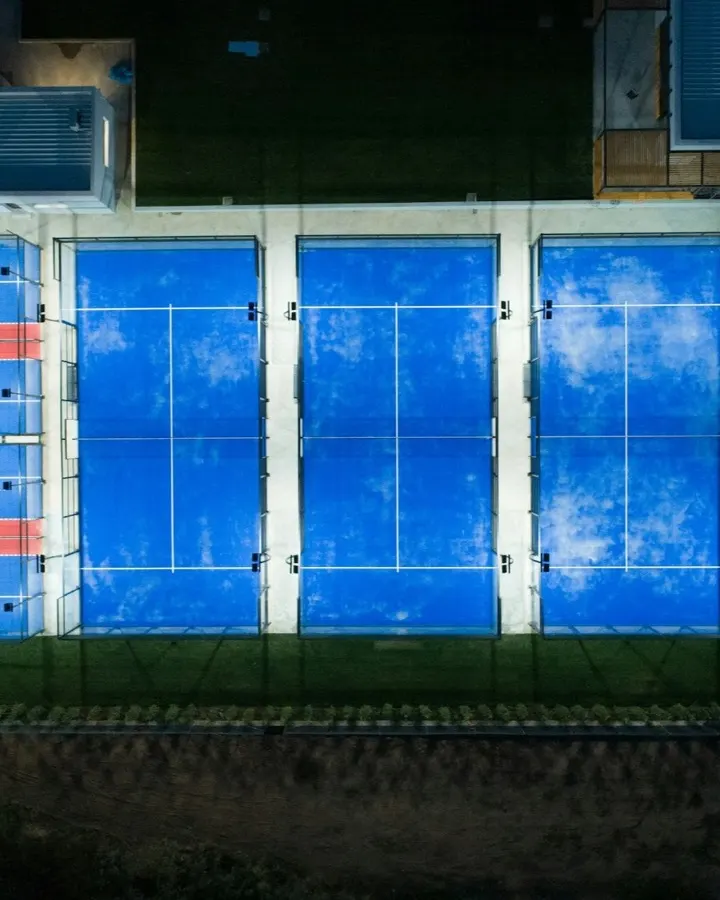
  • Three blue padel courts side by side, seen from above at night

    Padel and football court booking

    Courts by the hour, paid online before anyone arrives, and never double-booked on a busy Thursday night.

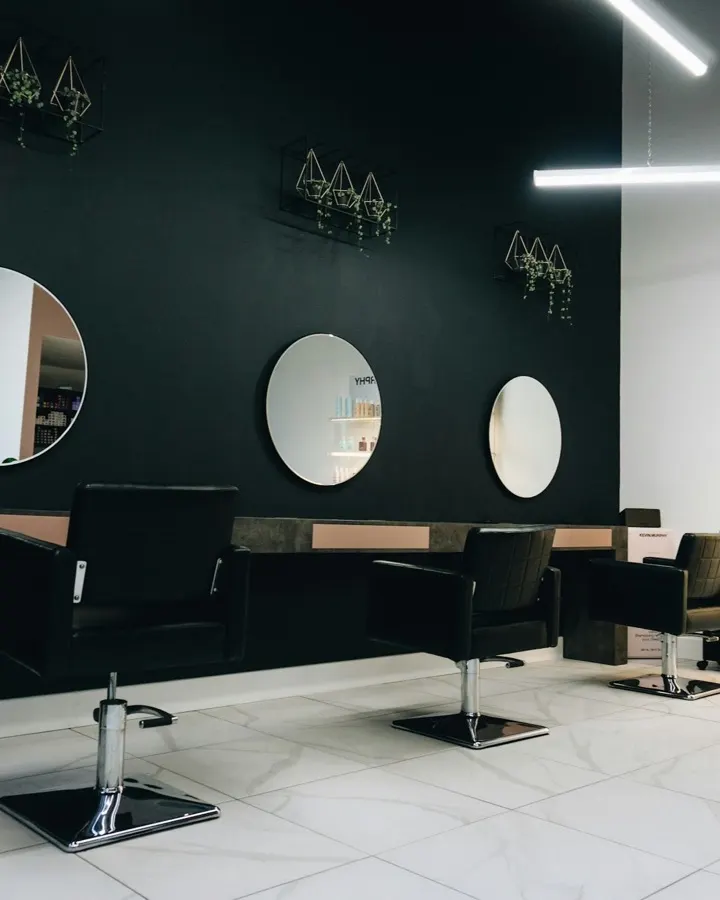
  • Black salon chairs facing round mirrors on a dark wall

    Salon and spa booking software

    Every stylist and therapist has a diary. Customers book the service, the length and the person they want.

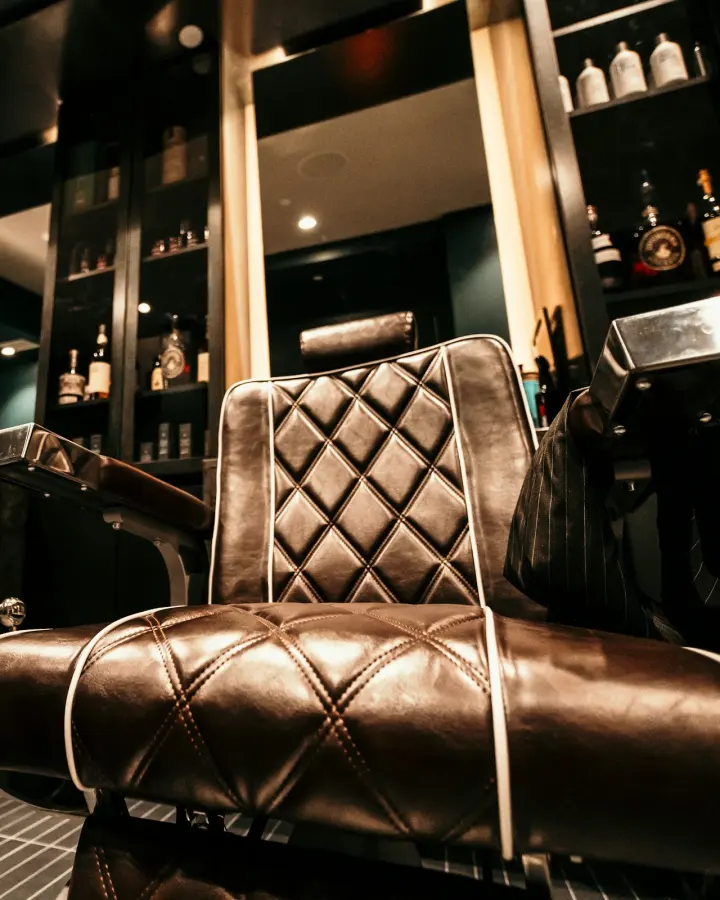
  • A quilted brown leather barber chair in a dimly lit barbershop

    Barbershop appointment booking

    Fill each chair from a link in your bio, and take walk-ins on the same board when a slot is free.

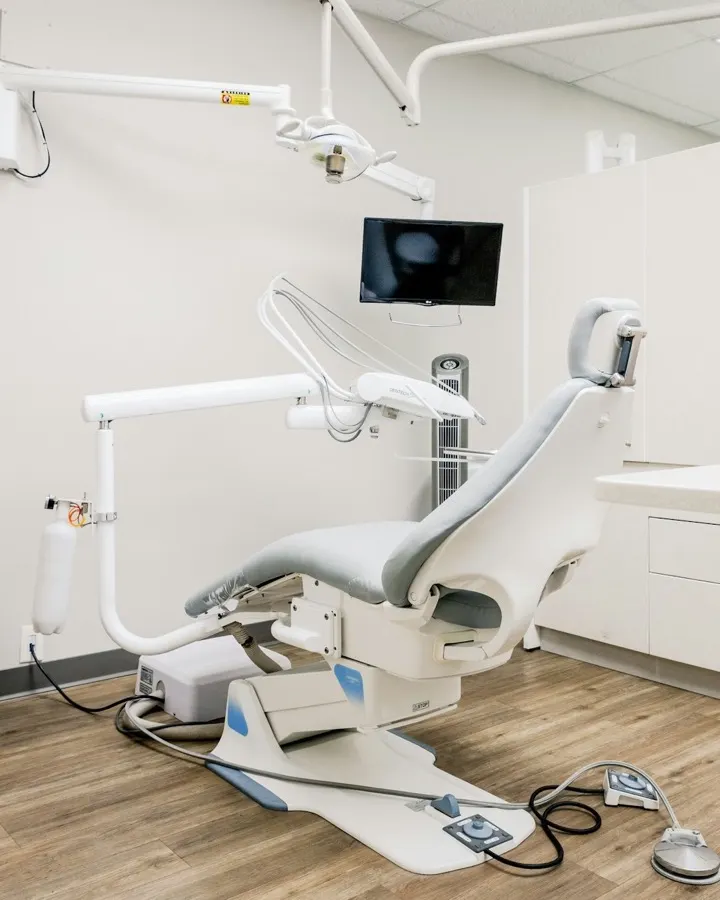
  • A dental chair in a bright treatment room

    Clinic appointment scheduling

    Appointments in each doctor’s diary, a reminder the day before, and a tax invoice for every visit.

  • A man stretching on a yoga mat in a studio

    Class booking for studios and gyms

    A weekly timetable with seats, waitlists and session packages that customers buy and use online.

  • A glass-walled meeting room with office chairs around a table and a whiteboard

    Meeting room and coworking booking

    Rooms and desks by the hour, with the price on the page and the booking paid before anyone arrives.

Also tutors, coaches, photographers and consultants: anyone who sells an hour, or a place by the hour.

Everything in the system, in one list.

All of it is in the one plan. There are no feature tiers to compare.

Your online booking page

Your own address
A booking page at yourvenue.vomflow.com that works as your website on a phone.
Your brand, not ours
Logo, colour, font, button shape and a homepage photo, edited with a live preview and published when you are ready.
Sign-in with a code
Customers confirm their mobile number with a one-time code. No app and no password.
Services with options
Offer 30, 60 and 90 minutes of the same service, each with its own price.
Categories
Group what you sell under your own headings, in the order you choose.
Arabic and English
Right-to-left Arabic by default, with English one tap away for staff and customers alike.

Calendar and availability

Availability that is calculated
Free times are worked out live from opening hours, staff hours and existing bookings. Nothing is typed in by hand.
No double-booking
Two people pressing “book” on the last slot cannot both get it. The database decides, not a screen.
A day board
Today’s bookings side by side, per court, room or member of staff, with what is happening now marked.
Bookings taken by staff
Reception adds phone bookings and walk-ins to the same calendar the booking page uses.
Rooms and courts as constraints
A room that fits fifteen, or a court that fits one booking, limits what can be sold in it.

Online payments

mada and Apple Pay
The ways customers in Saudi Arabia pay, with Visa and Mastercard beside them.
Payment at the desk
Record cash, card and bank transfer against the booking, so the day’s total is complete.
Payment links
Send a link for a booking that is not paid yet, and the customer finishes on their phone.
Refunds and part-payments
Refund all or part of a payment, or take part now and the rest later.
Paid, fee and net
Every payment shows what the customer paid, the processing fee and what you receive.

ZATCA e-invoicing

An invoice with every payment
A simplified tax invoice, with 15% VAT on each line, issued without anyone pressing a button.
The QR code
On the PDF, on the customer’s invoice page and on the booking confirmation.
Reported to ZATCA
Sent to the Fatoora platform for you, with the status visible and a retry if it fails.
Credit notes
A refund issues a credit note against the original invoice.

Customers

A profile per customer
Last visit, total visits, favourite service and usual time, built from their bookings.
Spend from real payments
Total spend counts money that actually changed hands, never a package session counted twice.
Segments
Find customers who have not visited in 60 days, who come often, or whose package is about to expire.
Notes and tags
What reception should know, kept on the profile with who wrote it and when.
Insights that show their working
A pattern is only shown with the visits it is based on, and never invented when there is too little data.

Packages and credits

Session packages
Sell ten sessions at a price, online or at the desk, and let each booking use one.
Expiry and limits
Set when a package runs out and which services, staff or branches it covers.
Credit and gifts
Give a customer credit or a gift session from their profile.

Reminders and messages

Booking confirmations
Sent the moment a booking is confirmed.
Reminders 24 hours ahead
A text with the time and a link to cancel or reschedule, which is what cuts no-shows.
An SMS balance you can see
Buy SMS credit in packs, see every message it paid for, and get a warning before it runs low.
Marketing kept separate
Customers can opt out of offers and still receive the messages about their own bookings.

Policies

Cancellation and rescheduling
Set the window and what happens outside it: a fee, a forfeited credit, or nothing.
No-shows
Decide what a missed booking costs, and have it applied the same way every time.
Overrides with a record
A manager can make an exception, and the audit trail keeps who, when and why.

Team and branches

Four roles
Owner, manager, reception and provider each see and do what their job needs.
Staff scoped to a branch
Reception at one branch cannot see or change another branch’s bookings.
Several branches
Each with its own hours, prices, staff and rooms, and the owner sees them together.
An audit trail
Changes to bookings, prices and settings are recorded with who made them.

Growth and reports

Promotions
A discount for a first booking, a quiet weekday or a group of customers, with limits you set.
Automations
Message a customer who has not been in for a while, or one whose birthday or package expiry is coming.
Loyalty points
Points for paid bookings, exchanged for credit or a free service.
Reports
Bookings, revenue, customers, services, staff and packages, for any dates and any branch.

Made for how business is done in Saudi Arabia.

These are not add-ons bought from someone else. They are how the product works.

How ZATCA e-invoicing works

Phase 2 e-invoicing

Simplified tax invoices signed and reported to the Fatoora platform, from a connection you set up once.

Local payment methods

mada and Apple Pay at checkout, in riyals, with the money settled to your bank account.

Arabic, properly

A right-to-left interface written in Arabic, not translated into it, with Hijri dates beside Gregorian.

Sign-in by mobile number

A one-time code by SMS is all a customer needs, and the same sign-in works at every venue.

Questions about what it does.

Do my customers need to download an app?

No. Your booking page opens in the browser on any phone, from a link in your bio, a message or a QR code. Customers sign in with a code sent to their mobile number, so there is no account to create and no password to remember.

Can reception take bookings by phone and for walk-ins?

Yes. Staff add a booking from the Dashboard for a customer who calls or walks in, and it goes on the same calendar the booking page reads, so the time is taken everywhere at once. Payment can be recorded at the desk or sent as a link.

How does an online booking system reduce no-shows?

Three things work together. Customers pay when they book, so the time has a cost. A reminder goes out 24 hours ahead with a link to cancel or reschedule, so a customer who cannot come frees the time early. And your cancellation and no-show policy is applied the same way every time.

Can each branch have its own hours, prices and staff?

Yes. Every branch keeps its own opening hours, services, prices, rooms or courts and team. Staff can be limited to one branch, and the owner sees all of them together in the calendar and the reports.

What do my staff see when they sign in?

It depends on their role. An owner sees everything, including billing. A manager runs the schedule, the team and the services. Reception takes bookings, payments and check-ins. A provider sees their own diary. Each person signs in with their own email, or with Google.

Does the booking page work in Arabic?

Arabic is the default, set right to left throughout, and English is one tap away. That applies to the booking page your customers use and to the Dashboard your staff use, and each person keeps the language they chose.

Open your calendar tonight.

Create your venue in about a minute, then subscribe to go live. Or see it first, on your own schedule.